Prerequisites
Preset is a managed service so most of the deployment requirements are handled by them. You will only need:- To register a Preset account.
- To have a Firebolt account and service account credentials.
- Load data you want to visualise.
Make sure that your service account’s network policy allows connections from Preset IPs.
Quickstart
Create a workspace
A workspace is an organizational unit, accessible by team members, that is created for a specific purpose. You can read Preset’s guidance on workspaces to learn more.-
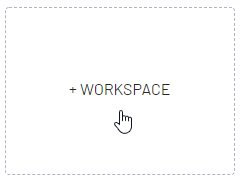
To Create a Workspace, navigate to the empty card and select + Workspace.
-
Define Workspace name and settings
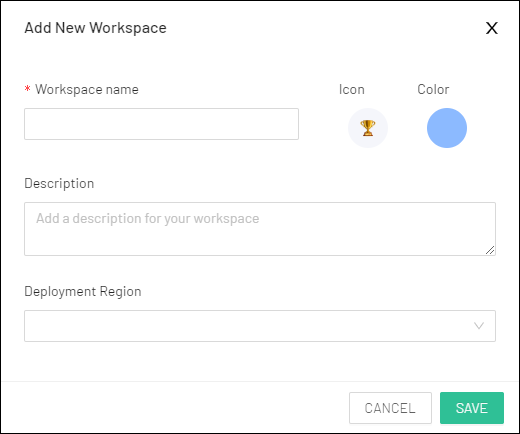
- Save the workspace and enter it by clicking the card.
Setup Firebolt connection
After the initial setup in Preset User Interface head to theSettings -> Database connections in the top right corner.
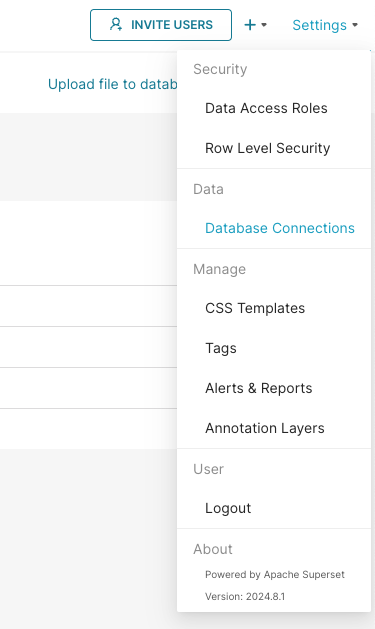
+ Database button and select Firebolt from the dropdown.
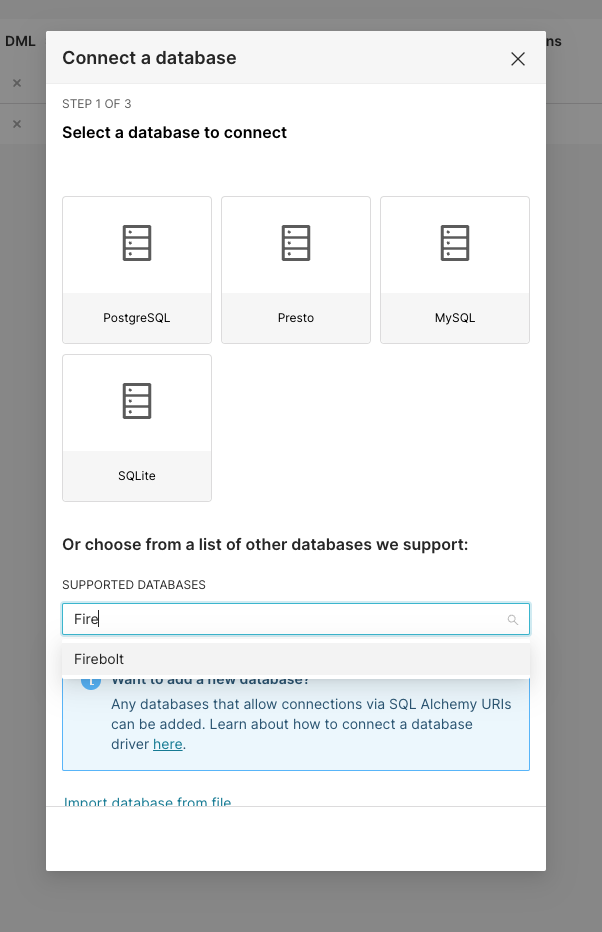
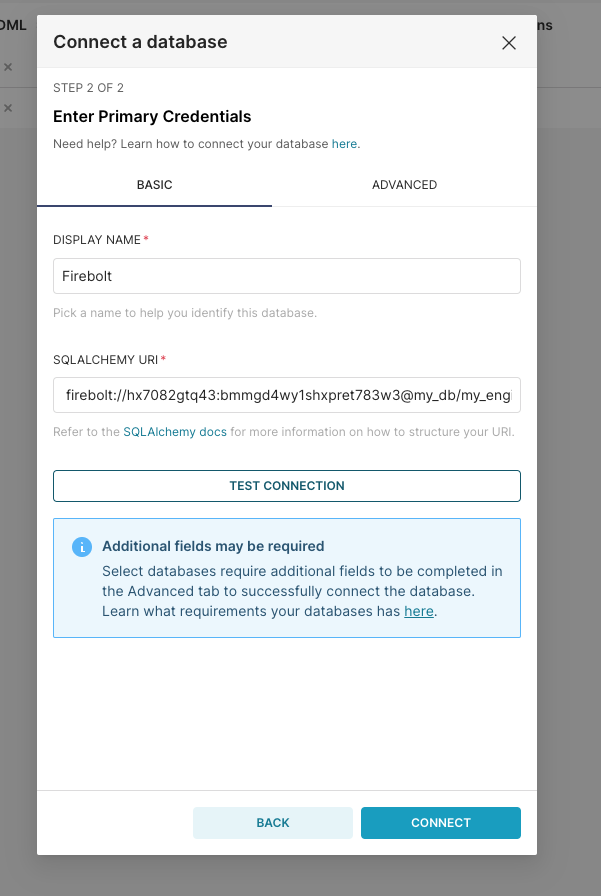
client_id and a client_secret.
Learn how to generate an ID and secret here.
Account name must be provided, you can learn about accounts in Manage accounts section.